monitor.infowhere.ai

See what Claude
is doing, right now

A lightweight dashboard that hooks into Claude Code. Live status, internal reasoning, token usage, and git changes — all running locally. Nothing leaves your machine.

live ● working — Bash(git log --oneline -20)
Claude Insights — Monitor your Claude CLI
Architecture

How it works

Claude Code fires a hook on every tool call. The hook writes a small JSON file. Monitor reads those files and streams updates to your browser via SSE — no polling, no refresh.

Tool call fires

Every Bash, Read, Edit triggers the hook

📄

JSON written

.claude/status.json updated in milliseconds

📡

SSE broadcasts

FastAPI pushes the event to all connected browsers

🖥

Dashboard updates

Sub-second. No polling. Works across all your projects

What you get

Every detail, in one place

Live status

Current state in real time — working, waiting for input, compacting, idle. Never wonder what Claude is doing.

💭

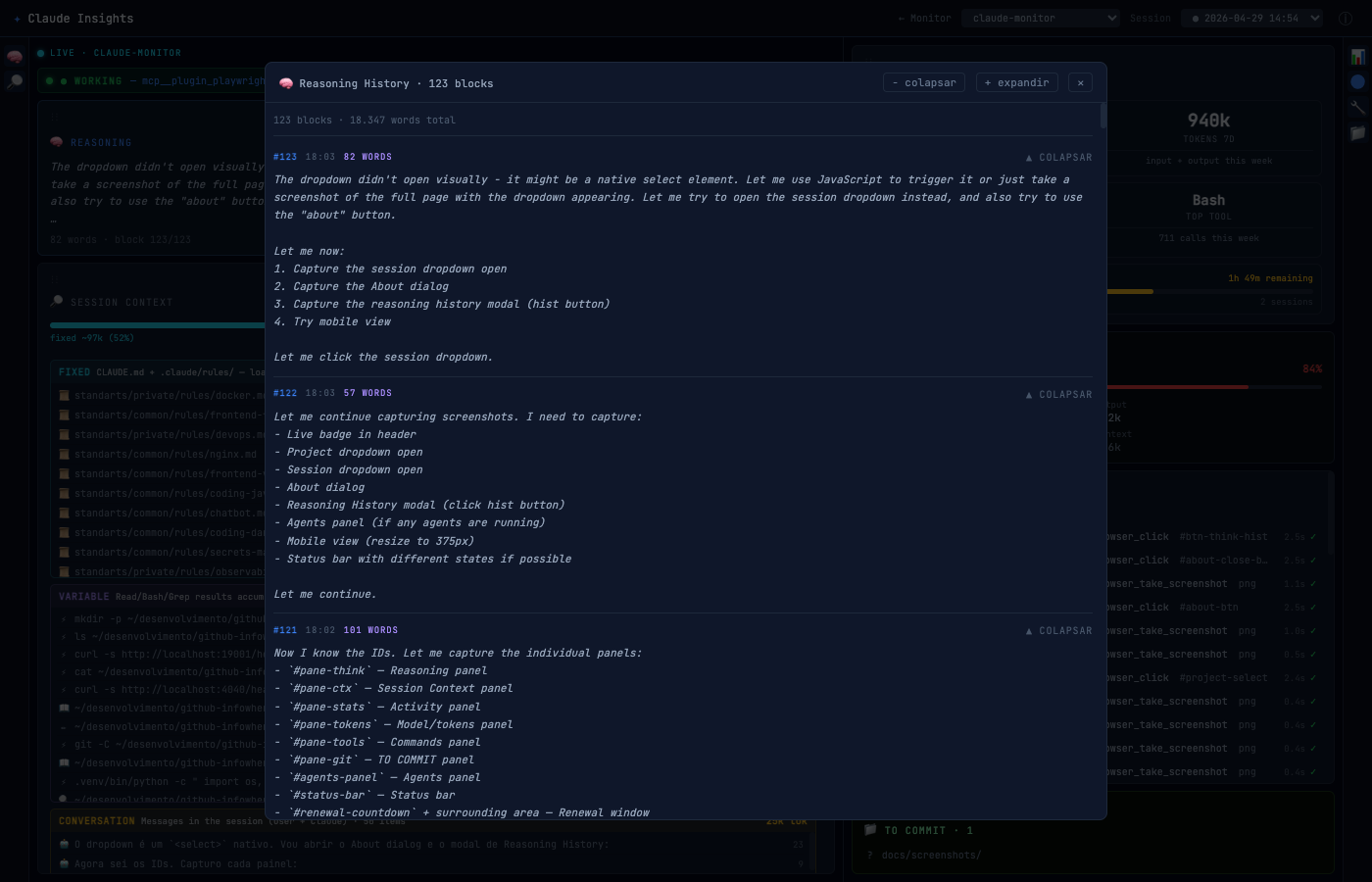
Reasoning

Claude's internal thinking, streamed live as it forms. See how decisions are made before any tool is called.

📊

Token usage

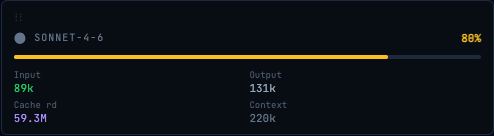
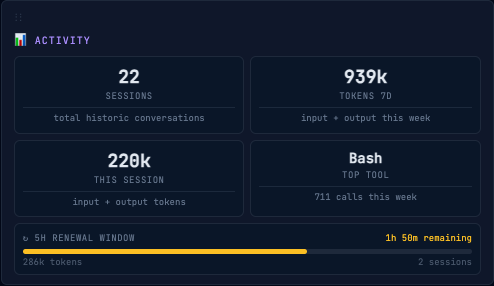
Input, output, cache — per session and weekly totals. Know exactly what you're consuming.

🔍

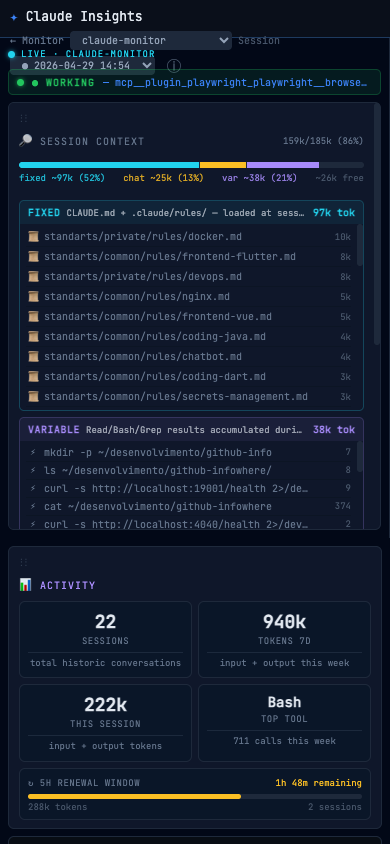
Session context

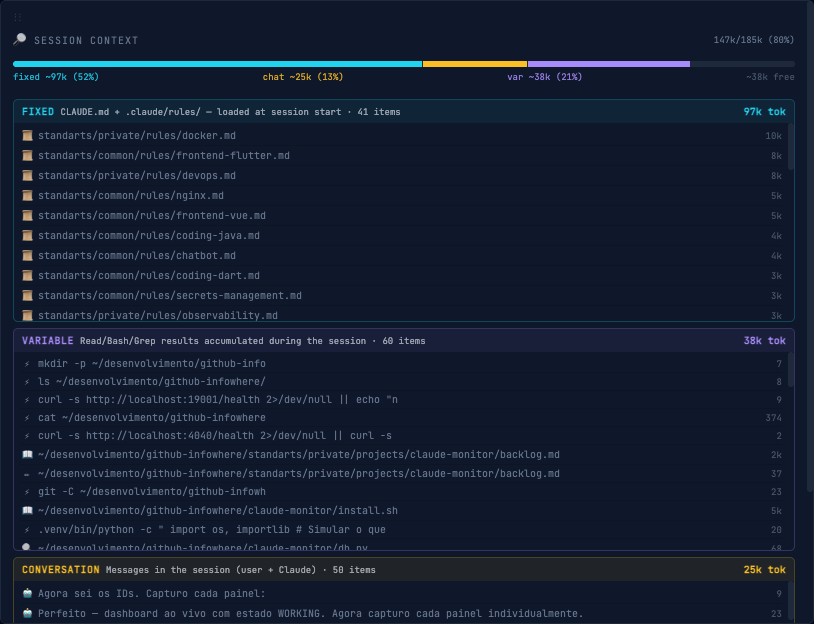
Full breakdown of the context window: rules, conversation, tool results. No black boxes.

⚙️

Tool calls

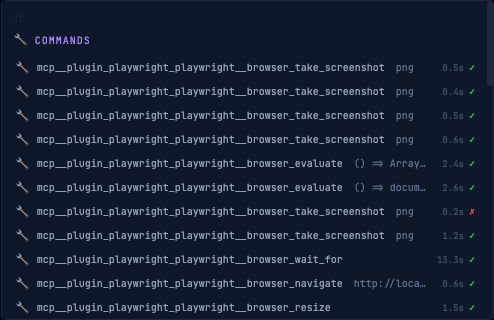
Every command with arguments, result preview, and token cost. Replay any session step by step.

📝

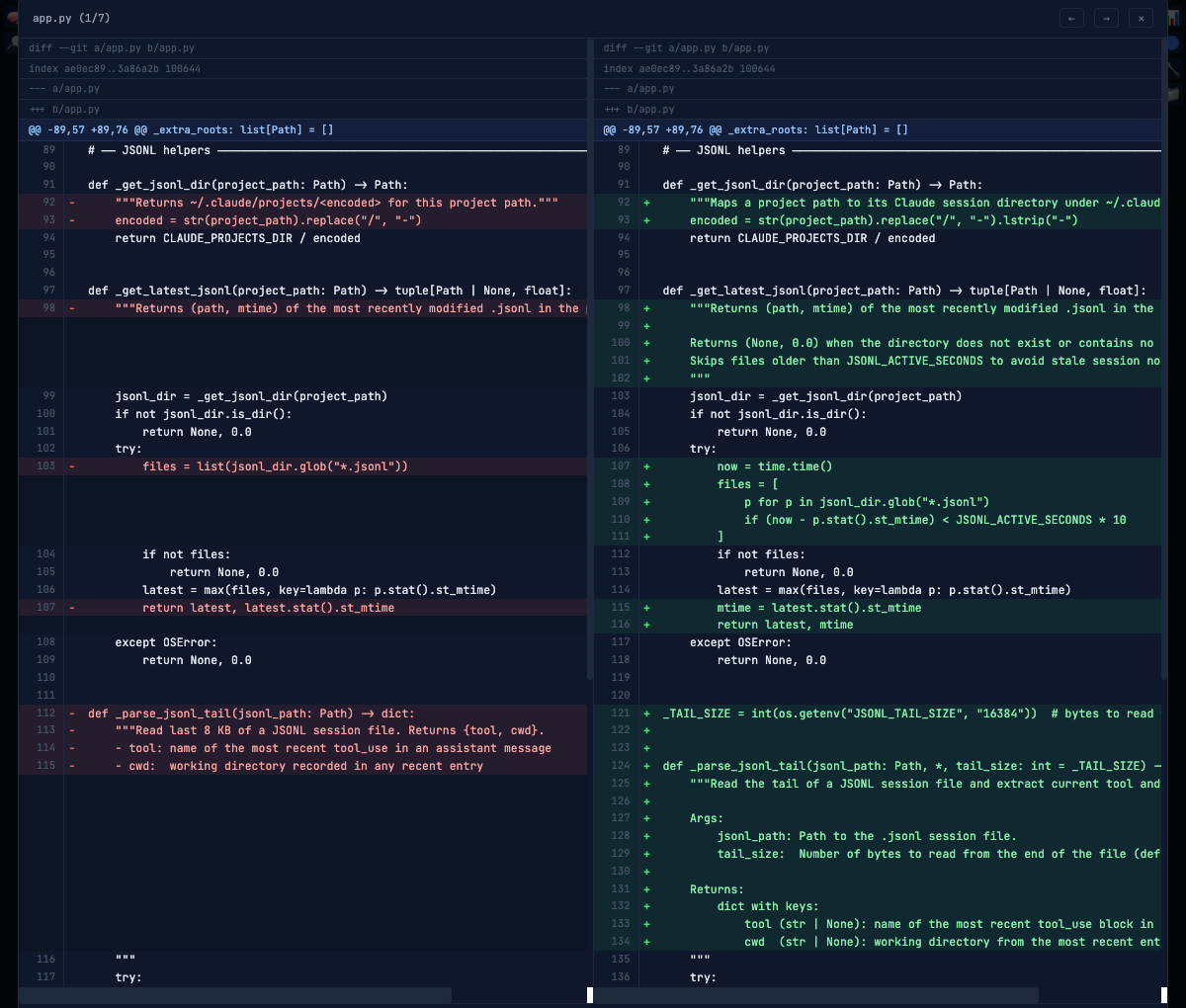
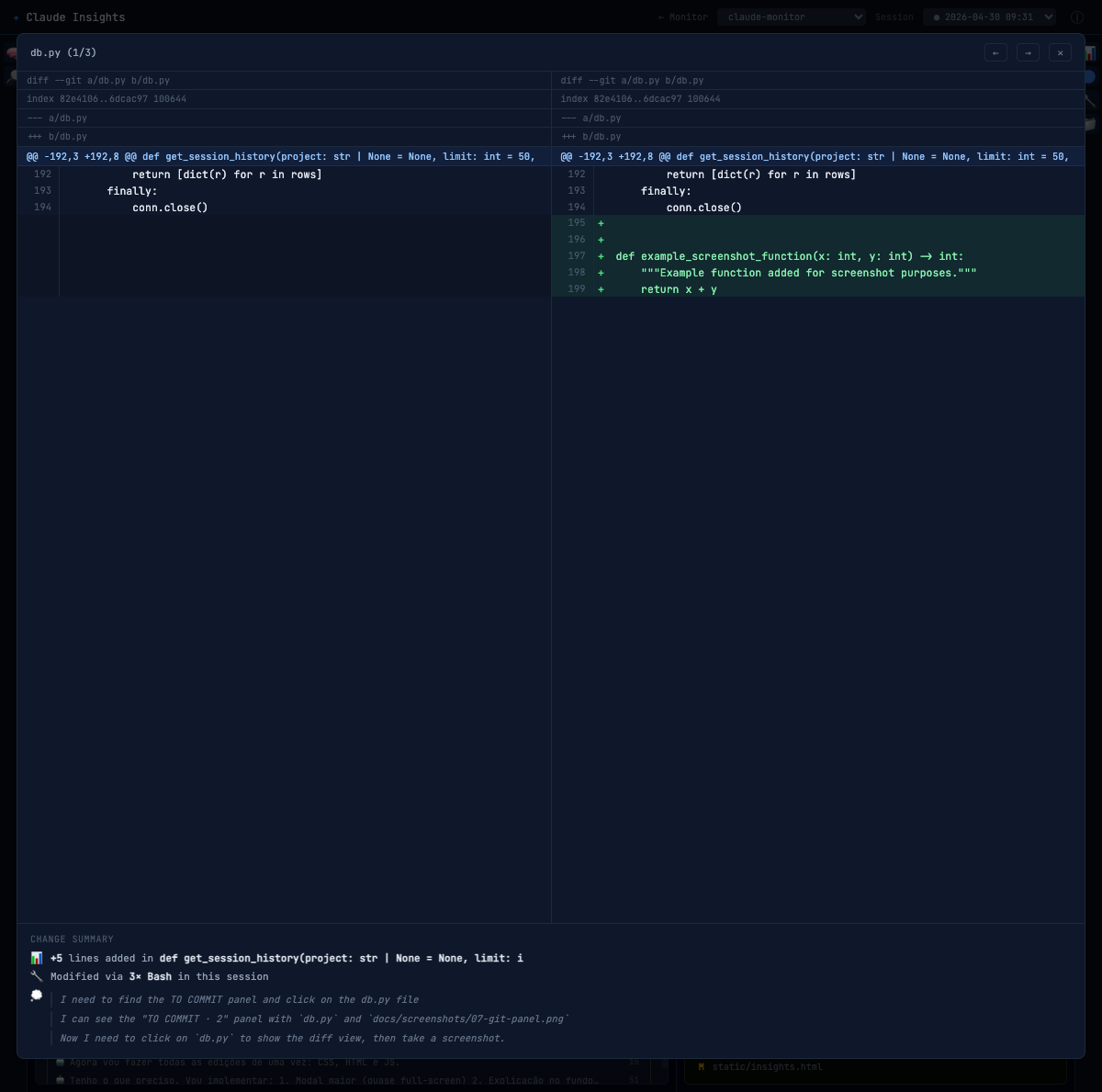
Git changes

Uncommitted changes with inline diff viewer. See exactly which files Claude has touched.

📁

Multi-project

Monitors all projects under a root folder simultaneously. One dashboard for everything.

🕐

Session history

Browse past sessions and replay their events. Every tool call, every decision, archived.

Dashboard

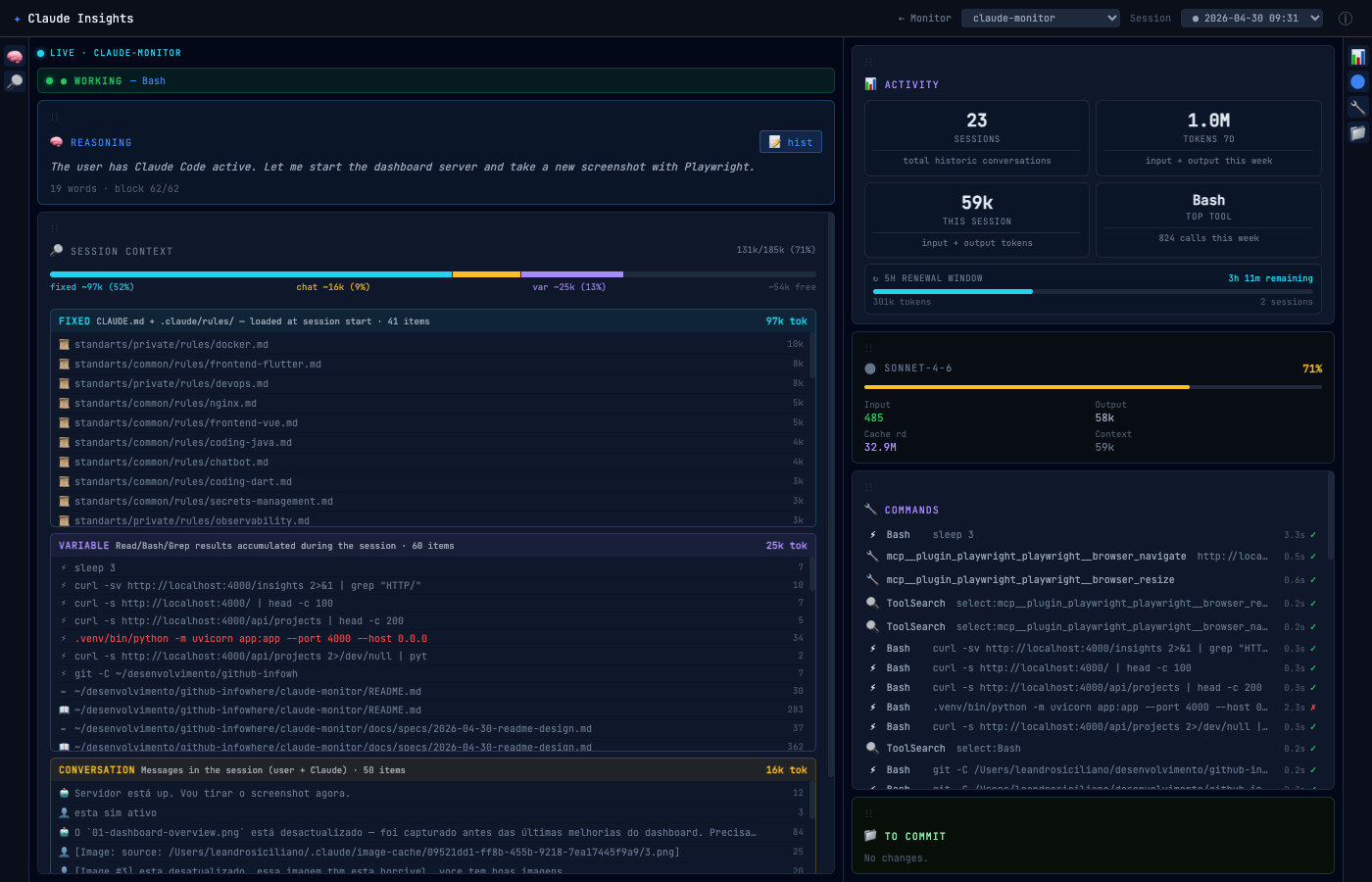
The dashboard, live

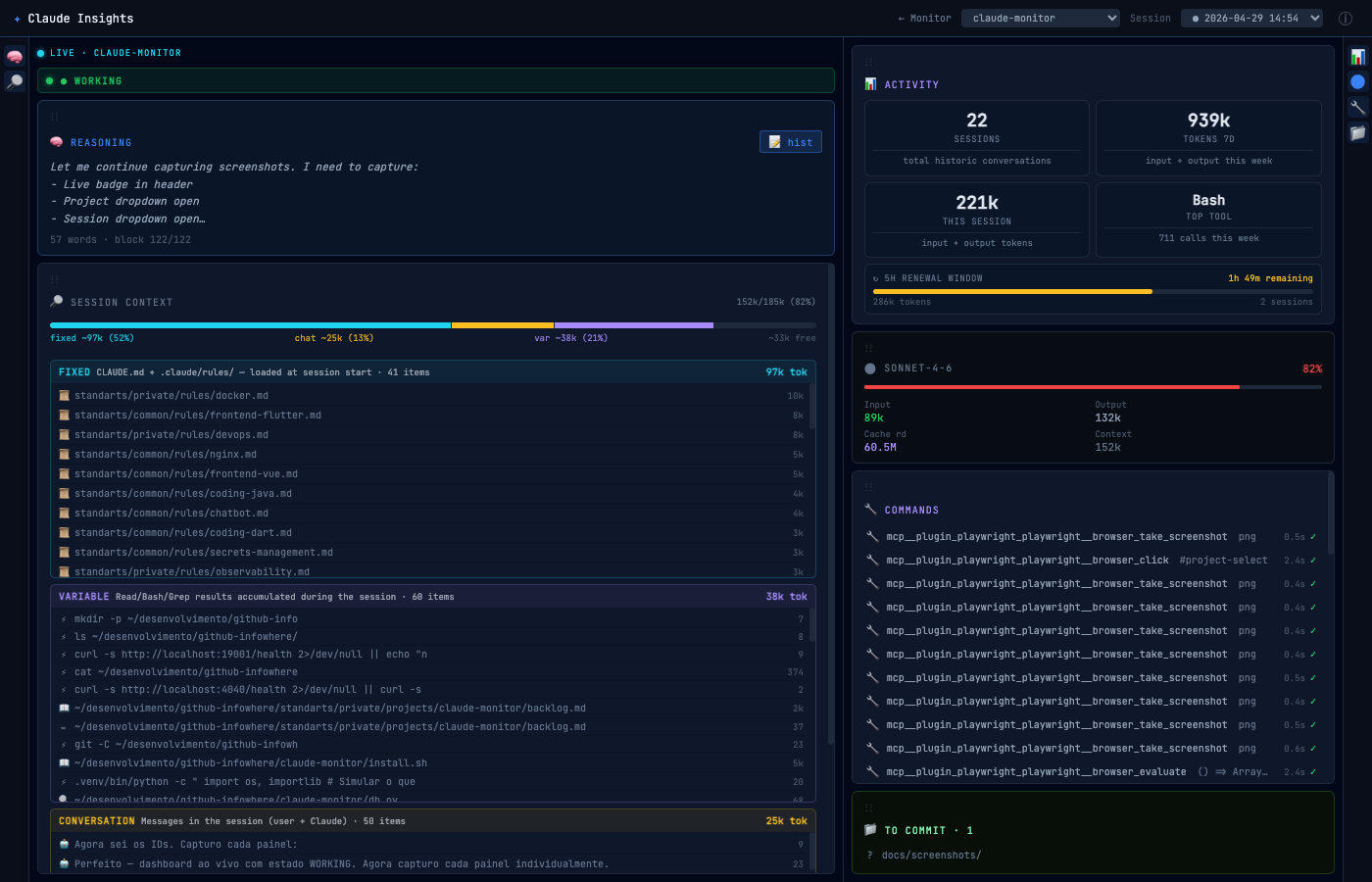
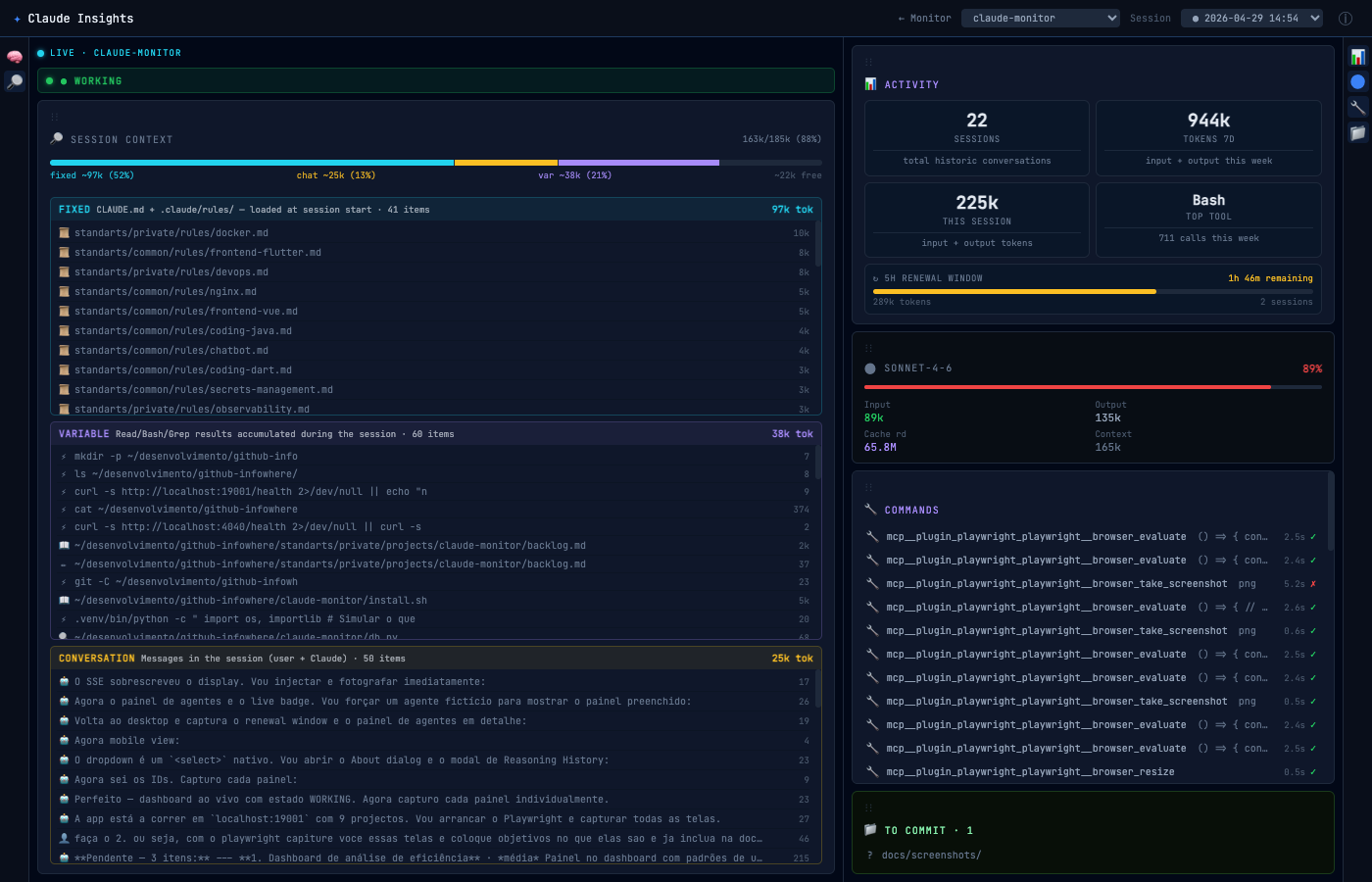
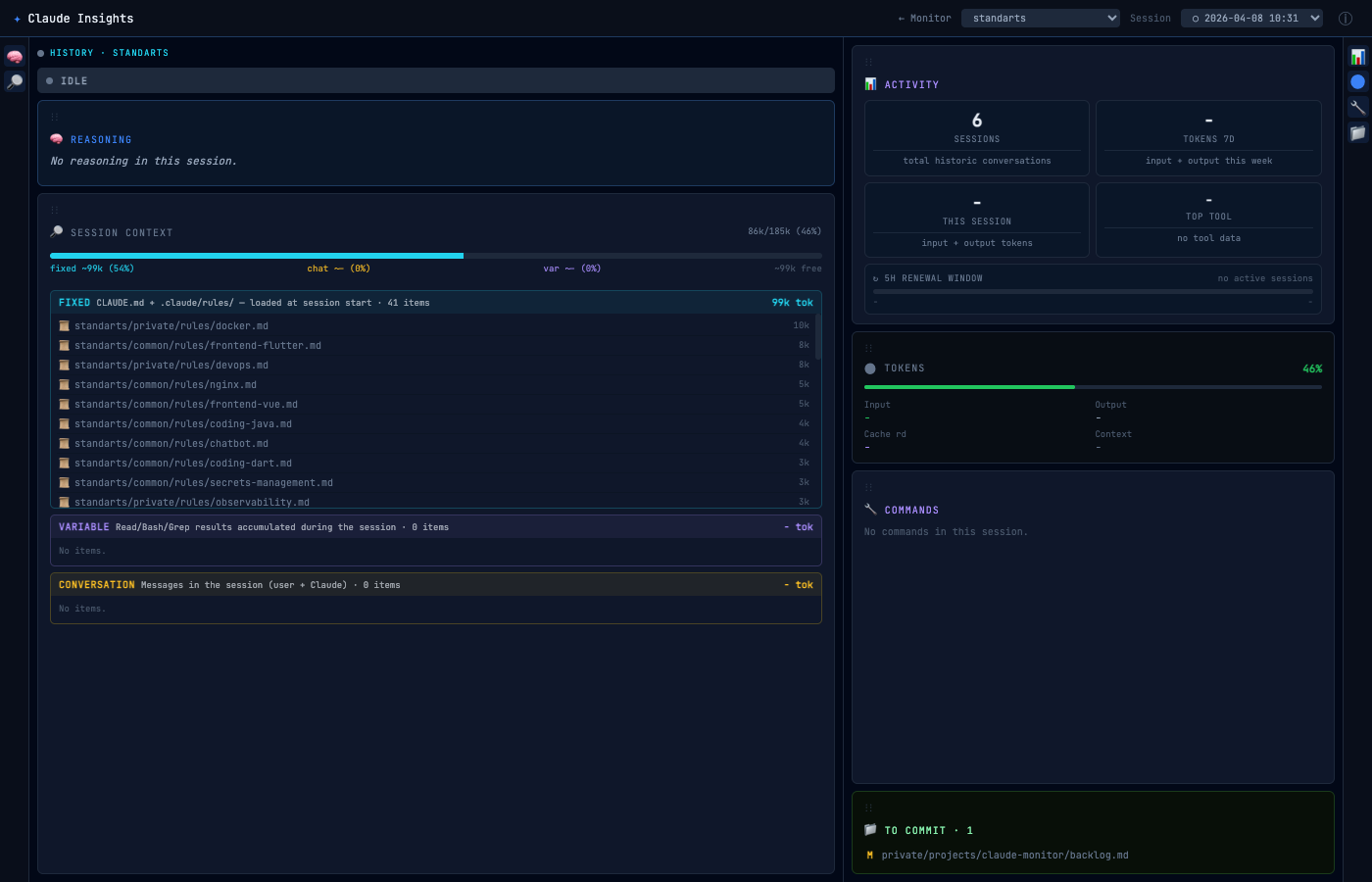
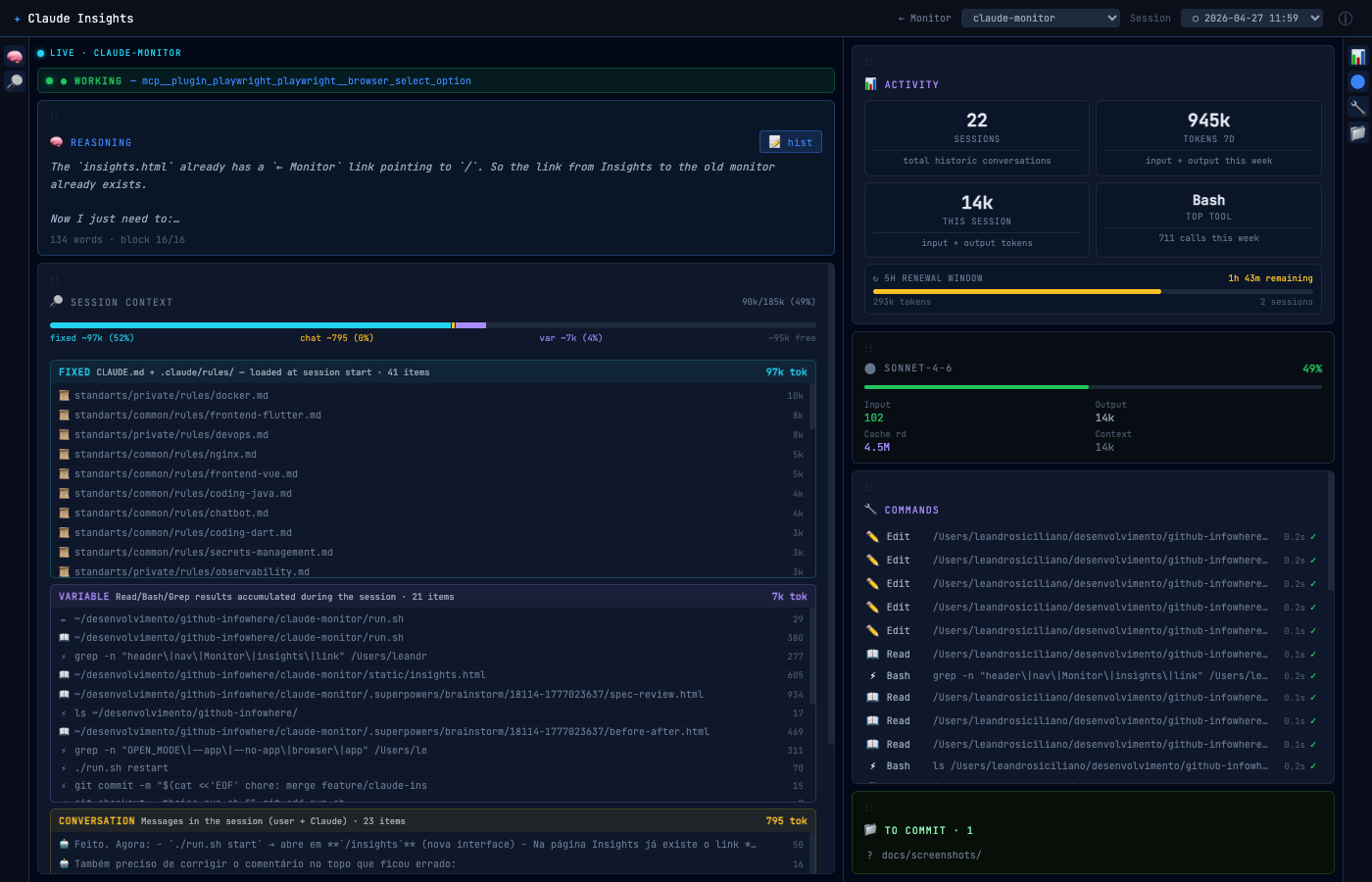
Every project under your root folder, monitored simultaneously. Click any project to dive into its session context, commands and git changes.

localhost:4000/insights
Claude Insights dashboard — live view of multiple Claude Code sessions
Distribution

Install in seconds

Pick your platform. Monitor installs as a system command and integrates automatically with Claude Code.

Runs locally Zero telemetry MIT license Python 3.10+
macOS — Apple Silicon
brew tap infowhere-be/claude-insights && brew install claude-insights
macOS & Linux
curl -fsSL https://raw.githubusercontent.com/infowhere-be/claude-monitor/main/install.sh | bash
All platforms — Python 3.10+
pipx install claude-insights
Debian / Ubuntu — x86_64
apt install claude-insights
Quick start

Up in three commands

After installing the binary, three commands take you from zero to live monitoring.

1

Register the hook

Adds Monitor's hook to Claude Code's settings. Existing hooks are preserved — nothing is overwritten.

claude-insights install
2

Start the dashboard

Starts a local server at port 4000. Set PORT or PROJECTS_ROOT to customise.

claude-insights start
3

Open in browser

The dashboard discovers all projects with a .claude/ directory. Start a Claude Code session to see it live.

open http://localhost:4000/insights